
What's on this page
- The real question is not house size
- What one unit actually holds
- The three sizing goals
- Working your critical load in watts
- Capacity vs output: energy is not power
- How many units for essentials-only backup
- How many units for partial-home backup
- How many units for whole-home backup
- Backup duration: kWh divided by daily load
- What a single unit costs installed
- The cost of one, two, and three units
- Pairing with solar: storing a day of production
- Starting big motors: the surge problem
- Stacking units for whole-home coverage
- What oversizing wastes and undersizing risks
- Incentives, kept general
- A sizing walkthrough, step by step
- Worked example: essentials vs whole-home
- Common sizing mistakes
- Battery count by household load profile
- How to sanity-check your battery count
- The bottom line
Short answer: The number of Powerwalls follows your backup goal, not your house size: essentials-only backup often needs one unit, partial-home two, and whole-home with central air or electric heat three or more. The math is two lines: critical load in watts times hours, divided by 1,000, gives kilowatt-hours needed; that divided by about 13.5 usable kilowatt-hours per unit, rounded up, gives the count. Illustrative installed cost is roughly $12,000 to $16,000 per unit.
Ask an installer how many home batteries you need and the honest answer starts with a question back: what do you want to keep running, and for how long? The count is not a function of your square footage, and it is not a fixed number that comes with the brand. A 1,200 square foot house with electric heat and a well pump can need more storage than a 3,000 square foot house on gas heat with a trimmed backup list. The number you are looking for is the output of a short calculation, and this briefing is that calculation, worked in full.
We use the popular reference battery, the one most people mean when they say “Powerwall,” as our illustrative unit throughout: roughly 13.5 usable kilowatt-hours per unit, mentioned here only as the market’s common yardstick and not as an endorsement of any brand. The method works for any battery once you know its usable capacity. We will size the count to your loads, price one, two, and three units illustratively, tie the answer to solar and to the battery economics briefing, and finish with one worked household that reaches two different answers depending on what it wants to protect. The per-unit dollars behind those counts, hardware versus installed and the after-credit net, are priced separately in our Tesla Powerwall 3 cost briefing. If solar is in your picture, start with our savings calculator, because panels change the storage answer.
Key takeaways
- Battery count follows your goal, not your house size. Essentials-only backup often needs one unit, partial-home two, whole-home three or more.
- The core math is two lines: critical load in watts times hours divided by 1,000 gives kilowatt-hours needed; that divided by usable capacity per unit, rounded up, gives units.
- One reference unit holds about 13.5 usable kilowatt-hours (illustrative) and puts out roughly 10 to 11.5 kilowatts continuous, which is why energy and output are two separate sizing questions.
- Illustrative installed cost is roughly $12,000 to $16,000 per unit, so the count is the single biggest lever on the total.
- Oversizing wastes money on idle capacity; undersizing runs you dry mid-outage. Size to the loads and hours you actually experience, with modest headroom.
The real question is not house size
The most common way people size a battery is also the least useful: they picture the house and guess a number, as if a bigger building simply needs more batteries the way it needs more paint. Square footage barely enters the real equation. What a house draws in an outage is set by what is plugged into it and how it heats and cools, and those vary enormously between homes of identical size. Two neighbors in matching floor plans can land two units apart because one heats with gas and the other with electric resistance strips.
The question that actually sets the number has two halves. First, what do you want to keep running when the grid is down: just the essentials, or the essentials plus comfort, or genuinely everything? Second, for how long: a few hours through a typical blip, or a full day, or multiple days riding on solar recharge? Answer those two and the battery count is arithmetic, not intuition. Everything in this briefing exists to turn those two answers into a number, and our calculator does the same sum live from your inputs.
What one unit actually holds
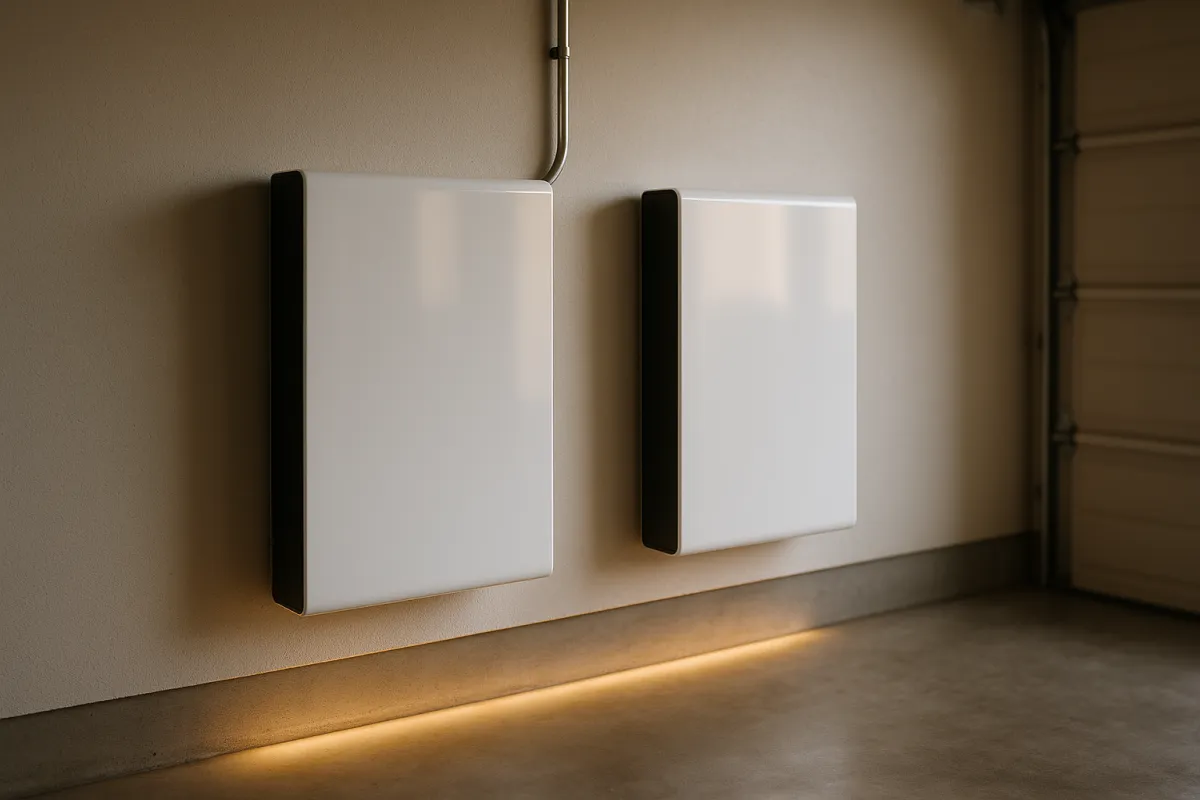
Before counting units, pin down what one unit is. The reference home battery in this class holds roughly 13.5 usable kilowatt-hours, and the word usable is doing real work. Manufacturers hold back a reserve to protect the cells and preserve lifespan, so the usable figure, not the nameplate total, is what actually powers your house. We carry 13.5 usable kilowatt-hours as our illustrative unit throughout, purely because it is the number most readers already have in mind; confirm the exact figure on the current spec sheet, since it shifts between hardware generations.
A kilowatt-hour is simply a thousand watts drawn for one hour, or one watt for a thousand hours, or any combination that multiplies out the same. So 13.5 usable kilowatt-hours is 13,500 watt-hours of stored energy. Run a 1,500 watt load against it and you get roughly nine hours before the tank is empty; run a 4,500 watt load and you get about three. That single division, energy divided by load, is the backbone of battery sizing, and once you internalize it the rest of this briefing is variations on the theme.
The three sizing goals
Almost every household lands in one of three buckets, and naming your bucket does most of the sizing work. The first is essentials-only backup: refrigerator, some lights, internet and phones, a furnace fan, and maybe a well or sump pump. This is the resilience most people actually want, and it is comfortably a one-unit job for typical outage lengths. The second is partial-home backup, which adds a slice of comfort on top of essentials, commonly some heating or cooling and a few more circuits. That usually pushes the count to two units, both for the extra energy and the extra output.
The third is whole-home backup: everything runs, seamlessly, as if the grid never failed, including central air conditioning or electric heat. That is the ambitious goal, and it typically means three or more units stacked together, because both the stored energy and the continuous power demands climb steeply once large motors and resistance heat are in play. Most households discover, once they price it, that they want the second bucket and thought they wanted the third. Our battery economics note walks the value side of that trade in detail.
Units needed by backup goal
Illustrative unit counts at 13.5 usable kWh each, typical home. Your loads move these.
Bar widths track unit counts against a three-unit whole-home reference (1 of 3, 2 of 3, 3 of 3). Homes with central air conditioning or electric resistance heat can push the whole-home bar to four units or beyond; homes on gas heat with a disciplined critical load can hold the line at one.
Working your critical load in watts
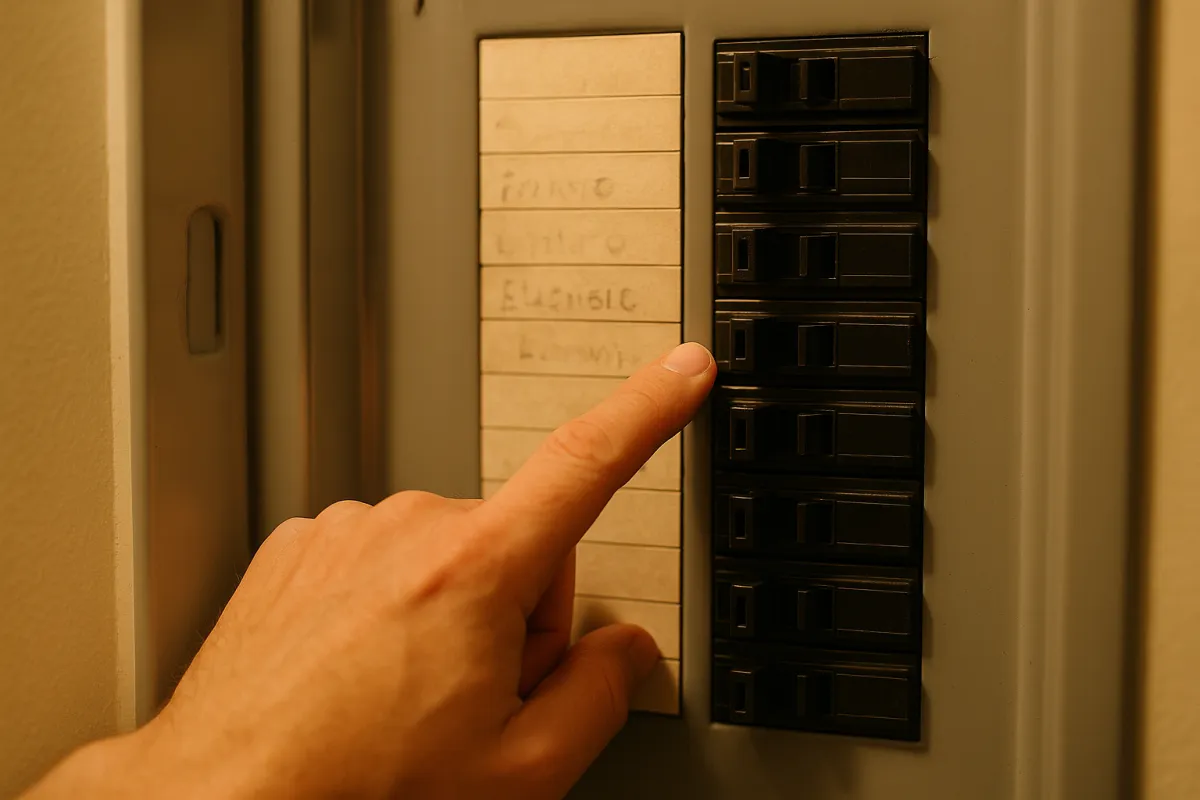
The word “critical load” sounds technical but it is just a list you make by walking your electrical panel and asking, of each circuit, whether you truly need it when the power is out. A refrigerator averages around 150 watts across its cycling. Efficient lights for the rooms you actually use might total 100 watts. Internet and networking gear is roughly 50 watts, phone and laptop charging a handful more. A gas furnace fan takes around 500 watts while it runs. Add those and you are near 800 to 900 watts of essential load, which one unit carries for well over half a day.
Now watch what happens when comfort joins the list. A central air conditioner can draw 3,000 watts or more while running, and an electric resistance heater or electric water heater can each pull as much as the entire essentials basket by themselves. A well pump adds roughly 1,000 watts while running with a heavy surge at startup. This is the whole reason square footage misleads: a modest home that leans on electric heat and a well pump can carry a larger critical load than a big home on gas. Feed your own numbers into the calculator and the kilowatt-hours needed update as you add loads.
Capacity vs output: energy is not power
Here is the distinction that trips up more battery buyers than any other. A battery has two separate ratings, and they answer two different questions. Capacity, measured in kilowatt-hours, is how much energy is in the tank: it decides how long you can run. Continuous output, measured in kilowatts, is how fast energy can leave the tank at once: it decides how much you can run simultaneously. A unit can have plenty of stored energy and still trip because too many things switched on at the same instant, or plenty of output and still empty quickly because the tank is small.
The reference unit holds about 13.5 usable kilowatt-hours and puts out roughly 10 to 11.5 kilowatts continuous. That output is generous for essentials but finite: stack enough simultaneous loads, a hot water heater plus an AC compressor plus an oven, and you can bump the ceiling. This is exactly why whole-home coverage adds units even when the energy math alone might seem satisfied, because more units multiply both the tank size and the output ceiling together. Keep the two numbers separate in your head and most sizing confusion evaporates.
How many units for essentials-only backup
Essentials-only is the bucket most households actually want, and it is the easiest to size. Take the roughly 800 to 1,500 watt critical load from a trimmed panel, and one unit at 13.5 usable kilowatt-hours delivers nine hours at the high end of that range and well beyond fifteen at the low end. In practice it runs even longer, because fridges and furnace fans cycle off for much of every hour rather than drawing continuously. For the vast majority of outages, which are measured in hours rather than days, one unit covers essentials with room to spare.
The continuous output side is comfortable here too, because a trimmed essentials list rarely approaches a single unit’s power ceiling even with a well pump surging on startup. A backup panel, sometimes called a critical-loads panel, makes this discipline automatic by wiring only the chosen circuits to the battery, so you cannot accidentally overdraw it by switching on the oven out of habit. If your goal is to keep food cold, phones charged, the internet alive, and the house warm enough through a storm outage, one unit is very often the whole answer.
How many units for partial-home backup
Partial-home backup is the middle path, and it is where most upgrades from essentials actually land. The idea is to keep the essentials plus one or two comfort loads: perhaps a single air conditioning zone in summer, or a heat pump on mild settings, or simply enough circuits that the house feels close to normal rather than in survival mode. Adding those loads roughly doubles both the energy draw and the moments of high simultaneous demand, which is why two units is the common answer for this goal.
Two units give you about 27 usable kilowatt-hours and double the continuous output, which comfortably starts and runs a central air conditioner alongside the essentials for a typical evening and overnight. The extra output ceiling matters as much as the extra energy here, because comfort loads are the ones with big startup surges. If your summers make air conditioning non-negotiable but you do not need every circuit in the house live, partial-home with two units is often the best value point on the whole curve, and it dovetails with the daily bill-savings case in our battery briefing.
How many units for whole-home backup
Whole-home backup means the grid can fail and you would barely notice: every circuit stays live, the central air keeps the house cool, the electric range works, and nothing asks you to ration. That seamless experience is real, and it is expensive, because it demands both large stored energy and a high output ceiling at the same time. Three units is a common starting point, delivering roughly 40 usable kilowatt-hours and enough combined output to handle several large loads starting and running together.
Homes with electric resistance heat, a large central air system, an electric water heater, and an electric range can need four units or more, because those loads are individually large and often run at once. This is the bucket where the count, and therefore the cost, climbs fastest, and it is worth asking honestly whether you need it. Many households that start out wanting whole-home coverage settle happily for partial-home once they see the price gap, keeping the seamless-everything ambition for the loads that genuinely cannot pause. The output ceiling, not just the energy, is usually what forces the extra units here.
Backup duration: kWh divided by daily load
Sizing for a single evening is one thing; sizing for a multi-day event is another, and the arithmetic is the same division carried further. Take your total usable storage and divide by your daily energy use at a backup load, and you get days of coverage. If a disciplined essentials load runs your house on roughly 12 kilowatt-hours a day, one 13.5 kilowatt-hour unit is about one day, two units roughly two days, and so on, assuming nothing refills the tank overnight.
That last assumption is the catch, and it is where solar rewrites the math. Without recharge, days of coverage is simply storage divided by daily load, and even a big stack runs dry eventually in a long event. With solar, the panels refill the battery each daylight stretch, so the same storage can carry a disciplined load across a multi-day outage rather than emptying once and staying empty. This is the crossover we worked in full in the backup power versus generator briefing: storage alone is a finite tank, but storage plus solar is a tank that refills. Our calculator shows how many hours one unit buys your specific load.
What a single unit costs installed
Now the money, all illustrative and all installed, because hardware-only prices hide half the bill. A single home battery in this reference class commonly lands somewhere around $12,000 to $16,000 fully installed, including the unit itself, the supporting inverter and integration hardware, a backup panel, permits, and labor. The bare unit is often only a portion of that total; the rest is electrical work, mounting, interconnection paperwork, and the installer’s time, which is exactly the negotiable half that varies thousands of dollars between quotes for identical equipment.
Because the per-unit installed cost is the single biggest number in the whole exercise, the unit count is the dominant lever on your total. That is why the sizing discipline in this briefing is really a budgeting discipline: every unit you can avoid by trimming your backup goal from whole-home to partial-home saves five figures, and every unit you genuinely need buys real resilience. The three-quote habit from our solar cost briefing transfers intact here, because battery installation quotes scatter as widely as solar quotes do.
The cost of one, two, and three units
Stack the illustrative per-unit figure and the total for each backup goal comes into focus. Using a round $14,000 per installed unit as an illustrative midpoint, one unit for essentials-only is about $14,000, two units for partial-home about $28,000, and three units for whole-home about $42,000, all before any incentives. Those are sketches, not quotes, and real numbers move with your region, your electrical work, and the promotions running that season, but the shape is reliable: cost scales almost linearly with unit count.
There are modest economies of scale in practice, because some of the installation labor and permitting is shared across units rather than repeated per unit, so a two-unit job is often a little less than double a one-unit job. Even so, the hardware dominates, and doubling the storage roughly doubles the bill. This is the arithmetic that quietly settles most whole-home ambitions in favor of partial-home coverage. Run your own per-unit figure through the calculator to see your total for each goal, and weigh it against the daily savings case in our battery economics note.
What draws your backup power
Illustrative share of a whole-home backup load for a typical electric-leaning home. Sums to 100%.
Heating and cooling dominates the load for most electric-leaning homes, which is why whole-home backup adds units fastest. Trim the heating and cooling slice, by leaning on gas heat or accepting essentials-only, and the same house drops from three units toward one.
Pairing with solar: storing a day of production
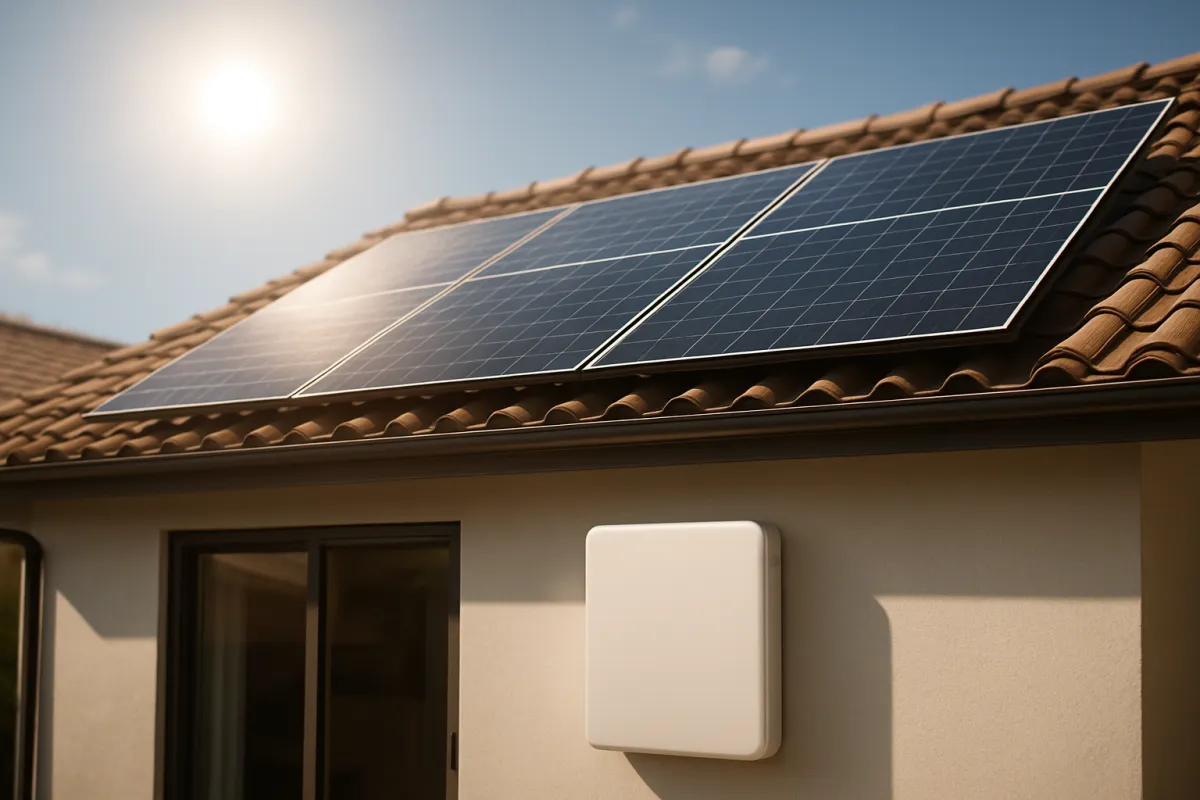
Solar changes both halves of the sizing question, so it deserves its own count. On a strong day a home array might produce anywhere from roughly 20 to 40 kilowatt-hours, and much of that arrives midday when the house is using little of it. Under weak net metering, that surplus exports at a poor rate, which is the case for storing it instead. To capture a meaningful share of a day’s overproduction, one 13.5 kilowatt-hour unit holds a portion and two units hold most of it for many homes, so the solar-storage count often overlaps the backup count.
The elegant part is that the same units serve both jobs. Storage sized to hold a day of solar surplus is also storage that carries your essentials through the night, and storage that rides a multi-day outage on daily recharge. So the practical move is to size for whichever goal needs the most units, backup duration or solar capture, and let the other job ride along on the same hardware. Sketch your solar overproduction with our savings calculator first, because the number of units that pays for itself is downstream of how much your panels spill.
Starting big motors: the surge problem
Energy math tells you how long a battery lasts, but it says nothing about whether the battery can start your biggest motor, and that is a separate hurdle worth respecting. Motors draw a brief surge at startup that can be roughly double or triple their running wattage: a well pump running at 1,000 watts may demand 2,000 or more for the instant it kicks on, and an air conditioning compressor surges harder still. The battery’s continuous output rating has to cover your largest motor starting while everything else already running keeps running.
One reference unit’s output ceiling, around 10 to 11.5 kilowatts, handles most single large motors starting against a trimmed background load, which is why essentials-only rarely has a surge problem. The trouble appears when several large loads coincide, or when a very large central air system tries to start while other heavy loads are live. Adding a unit raises the output ceiling as well as the tank size, which is often the real reason whole-home coverage needs the extra hardware. If a big AC or a deep well pump is on your must-run list, weight output, not just energy, when you count units.
Stacking units for whole-home coverage
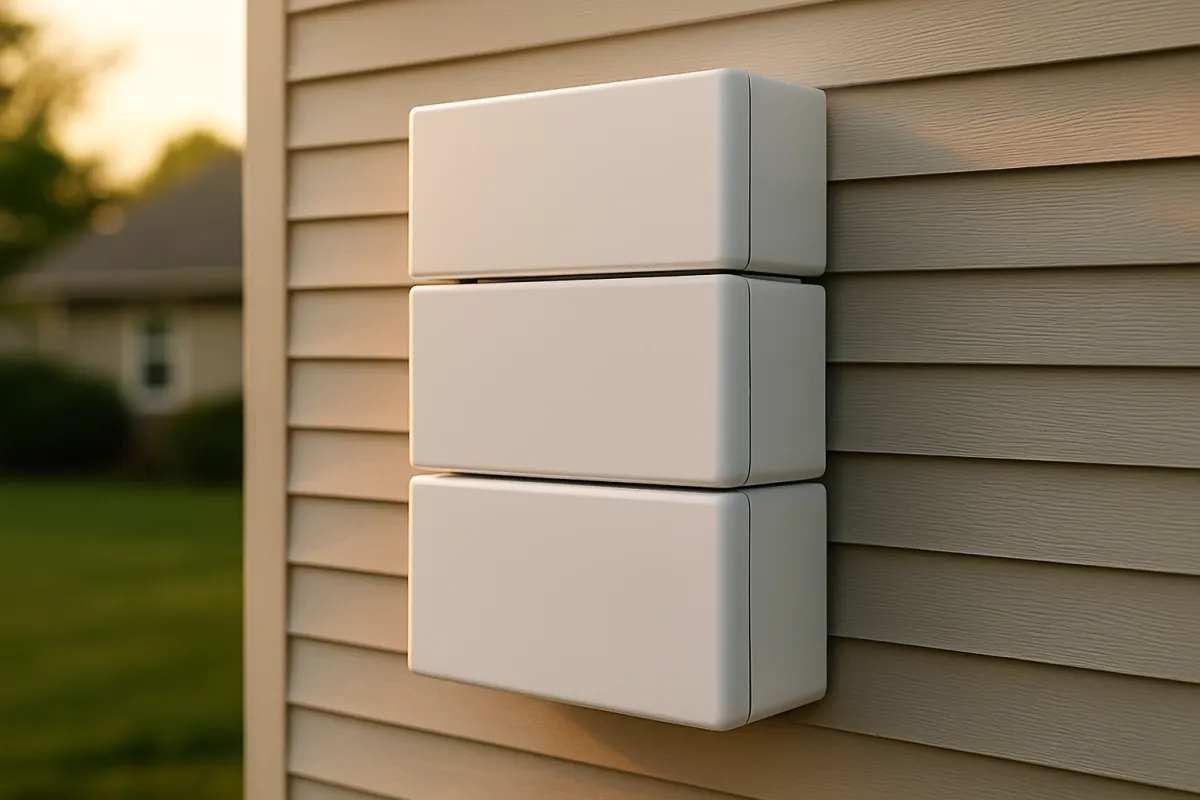
Getting to whole-home coverage is a stacking exercise, and it is worth understanding what stacking buys. Each added unit contributes both its usable energy and its continuous output, and the units coordinate so the house sees one larger virtual battery rather than several small ones. Three units behave like a single 40 kilowatt-hour tank with triple the output ceiling, which is what lets a home run central air, an electric range, and the essentials all at once without tripping.
There are practical limits and considerations beyond the count. Wall space and code clearances constrain where units mount, thermal management matters more as the stack grows, and the backup panel or whole-home transfer equipment has to be rated for the combined system. None of this is exotic, but it means whole-home stacking is a bigger electrical project than adding a single essentials unit, with a correspondingly bigger permit and inspection footprint. If you are heading toward three or four units, treat it as the construction-scale project it is, and lean hard on the three-quote discipline to keep the negotiable installation half honest.
What oversizing wastes and undersizing risks
Both sizing errors cost real money, in opposite directions, which is why the middle is worth finding. Oversizing is the quieter mistake: you buy capacity that sits on the wall and never cycles, and a battery earns nothing on kilowatt-hours it does not use, whether for daily bill savings or outage coverage. An extra unit you did not need is roughly $14,000 of illustrative capital doing nothing, and it does not become useful just because it is there. This is the same lesson our battery economics briefing reaches from the savings side: unused capacity is money parked, not money working.
Undersizing is the louder mistake, because it announces itself at the worst moment. Too little storage runs the tank dry in the middle of the outage you bought it for, and too little output trips when your well pump or air conditioner tries to start. The safety-margin instinct is right here, but it should be modest headroom over your real loads, not a fantasy of two-week whole-home autonomy that will never once be exercised. As we argued in the backup versus generator briefing, size to the outages you actually experience, not to the disaster in the brochure.
Incentives, kept general
Incentives can meaningfully lower the net cost of a battery, and they are worth researching, but what is actually left has narrowed and moves too fast and varies too much by location to quote precisely here. The federal residential clean energy credit that used to apply to home batteries, including standalone ones, was ended early for any property placed in service after December 31, 2025, so there is no federal credit to net against a 2026 install. What can still apply is local: some states and utilities layer their own rebates or performance payments on top, and virtual power plant programs in some areas pay you for letting the utility draw on your stored energy during grid stress. Any of these can change the effective cost per unit, which in turn changes how many units the budget supports.
The practical posture is to size on loads and hours first, price the units illustratively on the gross installed figure, and then treat any remaining state, utility, or VPP program as a discount to confirm locally rather than a number to bank in advance. Programs open, close, and change their terms, so a rebate that exists this quarter may not next year, and eligibility often depends on equipment choices and enrollment steps. Get the sizing right on its own merits, then let whatever incentives currently exist improve the math, rather than sizing up on the assumption that a subsidy will rescue the total.
A sizing walkthrough, step by step
Here is the whole method in one place, the same sequence our calculator runs. Step one: pick your goal, essentials-only, partial-home, or whole-home, and write down the circuits it covers. Step two: add up the running wattage of those circuits to get your critical load; a trimmed essentials list lands near 1,000 watts, partial-home near 2,500, whole-home well past 4,000. Step three: decide how many hours you want to cover, from a single evening to a full day or more.
Step four: multiply critical load in watts by hours and divide by 1,000 to get the kilowatt-hours you need. Step five: divide that by 13.5 usable kilowatt-hours per unit and round up to whole units, because you cannot buy a fraction of a battery. Step six: cross-check output, confirming your unit count’s combined continuous rating covers your largest motor starting against the rest of the load. Step seven: multiply units by your illustrative per-unit installed cost for the total, then subtract any confirmed incentives. That sequence turns your two honest answers into a count and a price.
Worked example: essentials vs whole-home
Take one real-feeling household and watch the count swing with the goal. The Marsh family has a 2,000 square foot home with a gas furnace, a central air conditioner, a well pump, and the usual kitchen and electronics. First they size essentials-only: fridge at 150 watts, lights at 100, internet at 50, furnace fan at 500, and the well pump averaging in at roughly 200 watts across its short cycles, for about 1,000 watts of critical load. Wanting 12 hours of coverage, that is 12 kilowatt-hours, which rounds up to one unit at 13.5 usable kilowatt-hours, for roughly $14,000 illustrative.
Then they price whole-home. Adding the central air conditioner at 3,500 watts while running, an electric water heater, and the rest of the house pushes their backup load past 5,000 watts, and covering that for a full day climbs well past 40 kilowatt-hours, which rounds up to three units. Output seals it: starting the air conditioner against the running load needs the combined ceiling of the stack. Three units is roughly $42,000 illustrative, three times the essentials figure. Same house, same family, two answers a unit-and-a-half apart, decided entirely by what they choose to protect. Run your own version in the calculator and the swing will look much like theirs.
Common sizing mistakes
The same handful of errors accounts for most battery-sizing regret, and every one is avoidable before you sign.
- Sizing by square footage. The building’s size barely predicts its electrical load; the circuits you choose and their wattage do all the real work.
- Confusing energy and output. A battery can have plenty of stored kilowatt-hours and still trip because too many large loads started at once; check both ratings.
- Forgetting motor surge. Well pumps and air conditioners demand a brief startup surge well above their running wattage, and the output ceiling has to cover it.
- Sizing for the fantasy outage. Two weeks of whole-home autonomy is capacity that will never be exercised; size to the outage hours you actually see.
- Ignoring solar recharge. Without panels, storage is a finite tank; with them, a smaller stack can ride a multi-day event on daily refills.
- Banking on incentives. Size and price on the merits first, then treat rebates as a discount to confirm locally, because programs change.
- Skipping the three quotes. Battery installation quotes scatter as widely as solar quotes; the negotiable installation half is where thousands of dollars hide.
Avoid these and the count you land on will fit the loads you actually have, not the ones a brochure imagined for you.
Battery count by household load profile
Because the count follows loads rather than square footage, it helps to see how four different households land at four different numbers, all using the reference unit of roughly 13.5 usable kilowatt-hours and the illustrative $14,000 installed midpoint.
The gas-heat home is the easy case. With gas covering heat, hot water, and cooking, the electrical critical load is mostly a fridge, lights, internet, and a furnace fan, near 900 watts. One unit carries that for the better part of a day, and even adding a window air conditioner rarely forces a second. This household backs up its essentials on one unit, about $14,000 illustrative.
The all-electric home is the opposite. Electric resistance heat or a heat pump, an electric water heater, and an electric range each pull hard, and several can run at once, so both the energy and the output climb fast. Whole-home coverage here commonly means three or four units, roughly $42,000 to $56,000 illustrative, which is exactly why trimming the goal to essentials plus a heat pump pays off most in electric homes.
The medically dependent home sizes differently again, because reliability, not comfort, sets the target. A household running an oxygen concentrator, a home dialysis machine, or refrigerated medication wants enough storage to ride the longest realistic outage with margin, and often pairs the battery with solar so the tank refills. Two units is a common floor here, sized for hours the family cannot afford to lose rather than for convenience.
The solar-heavy home counts by a different job: capturing the day’s surplus rather than surviving an outage. A large array might spill 20 to 30 kilowatt-hours at midday under weak export rates, and two units hold most of it for evening use. Whichever job needs the most units wins, and the other rides along on the same hardware. Run your own profile through the calculator, and price the value side against our battery economics briefing.
How to sanity-check your battery count
Before you sign, run the number back through a few quick tests, because a count that looks right on a proposal can hide a mismatch between energy and output, and both errors cost real money.
First, redo the energy line yourself. Multiply your critical load in watts by the hours you want to cover, divide by 1,000, and divide by 13.5 usable kilowatt-hours per unit. If the installer’s count sits far above that figure, ask what extra loads or hours justify it; if it sits below, ask whether they trimmed your critical list without telling you.
Second, check output separately. Add up the running wattage of everything that could be live at once, then confirm the combined continuous rating of the proposed units clears it with room for your largest motor to start. A stack that has plenty of stored energy can still trip on day one if the output ceiling is too low for a central air compressor kicking on.
Third, test the count against the goal you actually named. If you asked for essentials-only and the proposal is three units, either the critical list quietly grew into whole-home territory or the system is oversized. Idle capacity earns nothing on the wall, so a count above your stated goal deserves a plain explanation.
Fourth, sanity-check duration against a real outage. Divide total usable storage by your daily backup load to get days of coverage without recharge, then ask whether that matches the outages you actually see rather than the disaster in the brochure. If solar is part of the plan, confirm the estimate credits daily recharge rather than assuming the tank refills for free.
If the count survives all four checks, it fits your loads. If it does not, the gap is usually oversizing for a fantasy outage or confusing energy with output, the two mistakes this briefing keeps returning to. Confirm the final figure in the calculator before the deposit clears.
The bottom line
How many home batteries you need is not a fact about your house; it is the output of a short calculation about your goals. Decide what you want to keep running, essentials-only, partial-home, or whole-home, and for how many hours, then multiply load by hours, divide by usable capacity per unit, and round up. Essentials-only is often one unit; partial-home is commonly two; whole-home with central air or electric heat is usually three or more. Illustrative installed cost near $12,000 to $16,000 per unit makes the count the dominant lever on your total, so trimming the goal from whole-home to partial-home saves five figures without giving up the resilience most people actually want.
Keep energy and output separate in your head, respect the surge that big motors demand, and let solar turn a finite tank into a refilling one. Then run your own critical load, backup hours, and per-unit cost through our savings calculator to see your count and your total, and read it alongside our battery economics briefing and our backup versus generator briefing so the number you buy is sized to your outages, your loads, and your budget, not to your square footage.
WattBarn publishes this briefing to inform, not to advise. The usable capacities, output ratings, unit counts, and dollar figures above are illustrative sketches drawn from a common reference product, offered as a method rather than a recommendation of any brand, and your loads, utility rules, local codes, and current pricing will produce different numbers that drift over time. Battery installation is electrical work with real safety and code stakes, so put a licensed electrician between any calculation here and your panel, confirm the exact specifications on current manufacturer data sheets, and let written local quotes and current incentive programs, not our sketches, settle how many units you actually buy.
When does a system like this pay for itself?
An illustrative example sized to a $220/month electric bill, priced at $2.90 per watt installed (gross), assuming an 85% bill offset. Your own bill, roof and local installer pricing will move every bar below — open the calculator to swap in your own numbers.
In this example, cumulative savings pass the installed cost at roughly 10.6 years — the point the teal bar overtakes the orange one.
No federal tax credit is included in the cost shown above. The federal residential solar tax credit (the Residential Clean Energy Credit, IRC section 25D) was terminated early by Public Law 119-21: the IRS states it is not available for any home system placed in service after December 31, 2025. Any older guide, quote or spreadsheet that still subtracts 30% from the price is using a historical, no-longer-available number. See the full breakdown of where the credit stands now, and check your own state or utility programs with your local energy office — those are separate from the federal credit and vary by location.
Run this on your own bill →Frequently asked questions
How many Powerwalls do I need for my house?
The count follows your goal, not your square footage. For essentials-only backup, covering a refrigerator, lights, internet, and a few circuits, one unit of roughly 13.5 usable kilowatt-hours is often enough. Partial-home coverage that adds some heating or cooling commonly needs two. True whole-home backup, especially with central air conditioning or electric heat, usually means three or more units stacked together. Decide what you want running and for how long first, and the number falls out of the math rather than out of the size of the building.
How much does a Powerwall 3 cost?
As an illustrative figure, a single installed home battery in this class commonly lands somewhere around $12,000 to $16,000, including the unit, the supporting hardware, a backup panel, permits, and labor. The bare unit is often only part of that; installation, electrical work, and permitting make up a large share, and quotes vary widely for identical equipment. The federal residential clean energy credit that used to apply to home batteries was ended early for any property placed in service after December 31, 2025, so a 2026 install has no federal credit to net against that price; some states and utilities still run their own battery rebate or demand-response programs. Treat any number here as a sketch and confirm current pricing and programs with local installers before you budget.
How many kWh is a Powerwall 3?
Home batteries in this reference class hold roughly 13.5 usable kilowatt-hours each, and we use that figure throughout this briefing as an illustrative unit. Usable capacity is the number that matters for backup, because it accounts for the reserve the system holds back to protect the cells. Each unit also has a continuous power rating, commonly in the neighborhood of 10 to 11.5 kilowatts, which sets how much can run at once. Confirm the exact usable capacity and output on the current spec sheet, since these figures shift between hardware generations.
How do I calculate how many batteries I need for backup?
Start with two numbers: your critical load in watts and how many hours you want to cover. Multiply load by hours and divide by 1,000 to get the kilowatt-hours you need, then divide that by the usable capacity per unit and round up. For example, a 1,500 watt critical load for 12 hours is 18 kilowatt-hours, which rounds up to two units at 13.5 each. Our calculator runs this for your own numbers, and the arithmetic is the whole method once you have those two inputs honest.
Is one home battery enough for a whole house?
Usually not, if whole-house means running everything at once including central air conditioning or electric heat. One unit's continuous output can start and run a modest set of circuits comfortably, but large motors and resistance-heating loads can approach or exceed a single unit's power rating, and the stored energy drains fast under heavy draw. One unit shines at essentials-only backup, where it can carry a fridge, lights, internet, and a furnace fan for many hours. For seamless whole-home coverage, most homes stack two, three, or more units.
Does the size of my house decide how many batteries I need?
Square footage is a poor guide, because two homes of the same size can have completely different electrical loads depending on their heating, their appliances, and their habits. What actually drives battery count is the wattage of the circuits you want to keep alive and the number of hours you want them alive for. A small home with electric heat and a well pump can need more storage than a larger home on gas heat with a trimmed critical load. Size to loads and hours, not to the footprint of the building.
How many batteries do I need to store a full day of solar?
Match usable storage to the solar energy you want to keep rather than spill. A home solar array might produce anywhere from roughly 20 to 40 kilowatt-hours on a strong day, and if you want to store the surplus that would otherwise export at a poor rate, one 13.5 kilowatt-hour unit captures a portion of that and two capture most of it for many homes. The right number depends on how much your panels overproduce during the day versus what you use after sunset, which our savings calculator helps you sketch.
What happens if I get too many or too few batteries?
Oversizing wastes money on capacity that sits on the wall unused, since a battery only earns its keep on the kilowatt-hours you actually cycle or the outage hours you actually experience. Undersizing risks the opposite: the system runs out mid-outage, or cannot start a large motor, exactly when you needed it. The sweet spot covers your real critical load for the outage length you actually see, with modest headroom rather than fantasy capacity. Because both errors cost real money, it is worth working the load math before signing anything.